# Email template
> Create and customize an email template for review, referral, survey, video or marketing messages.
Source: https://support.amazeful.com/campaigns/templates/email-template
Documentation index: https://support.amazeful.com/llms.txt
## **Create email template**
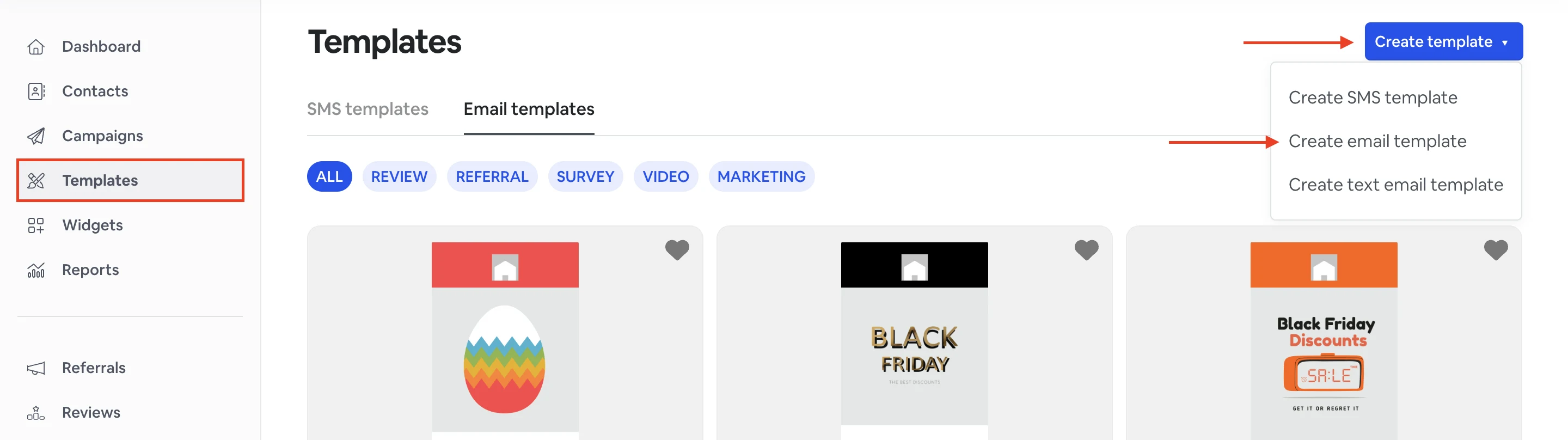
1. From the **Templates** tab, click **Create template** -> **Create email template.**
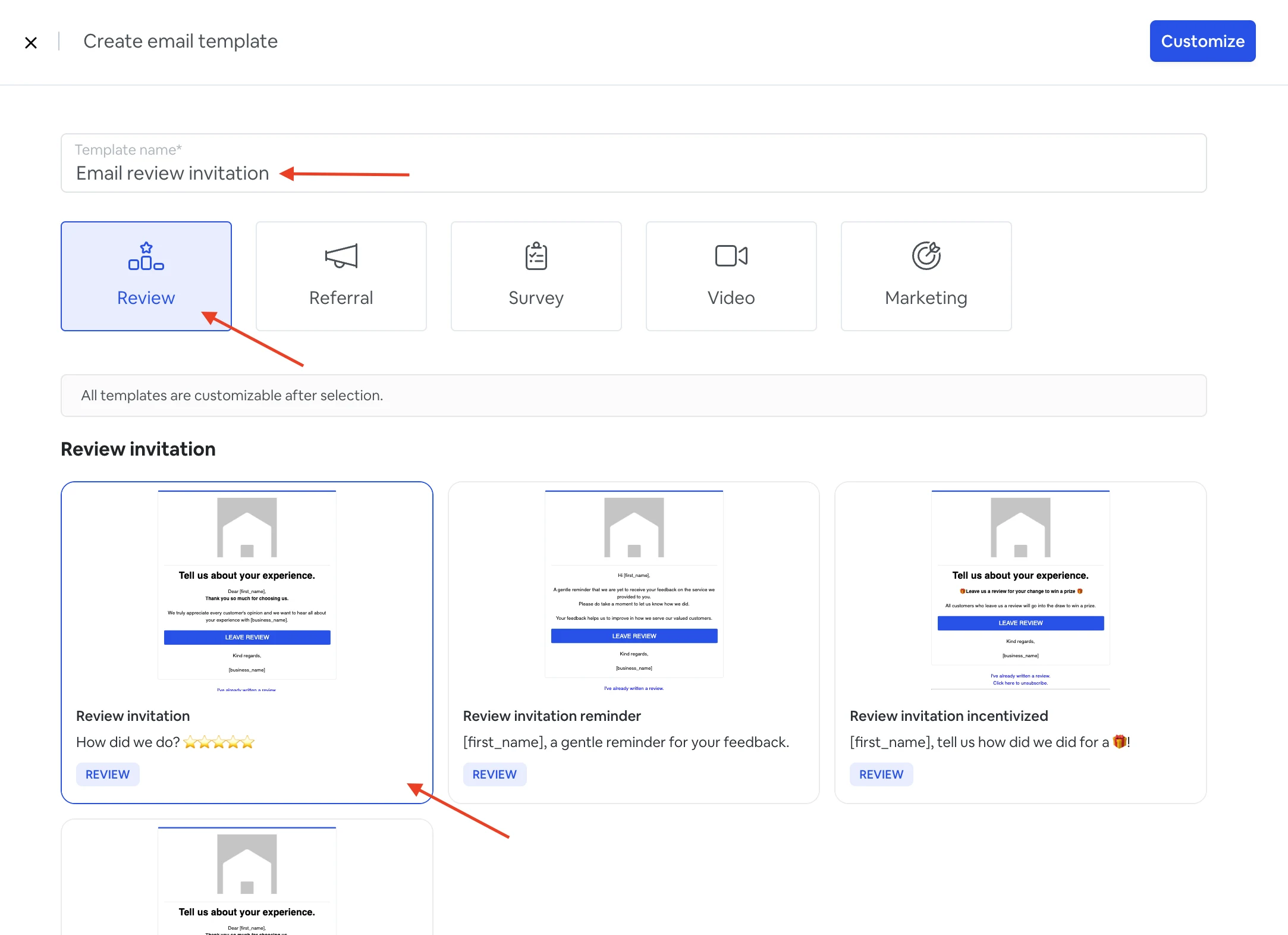
2\. Choose a name for your template.
3\. Choose what type of email template you want to send (Review, Referral, Survey, Video, Marketing).
4\. Choose an email template for your email review request.
**\*All templates are customizable after selection.**
5\. From here, you can customize and edit your email template.
From the left side, you can edit an email template name and a subject line.
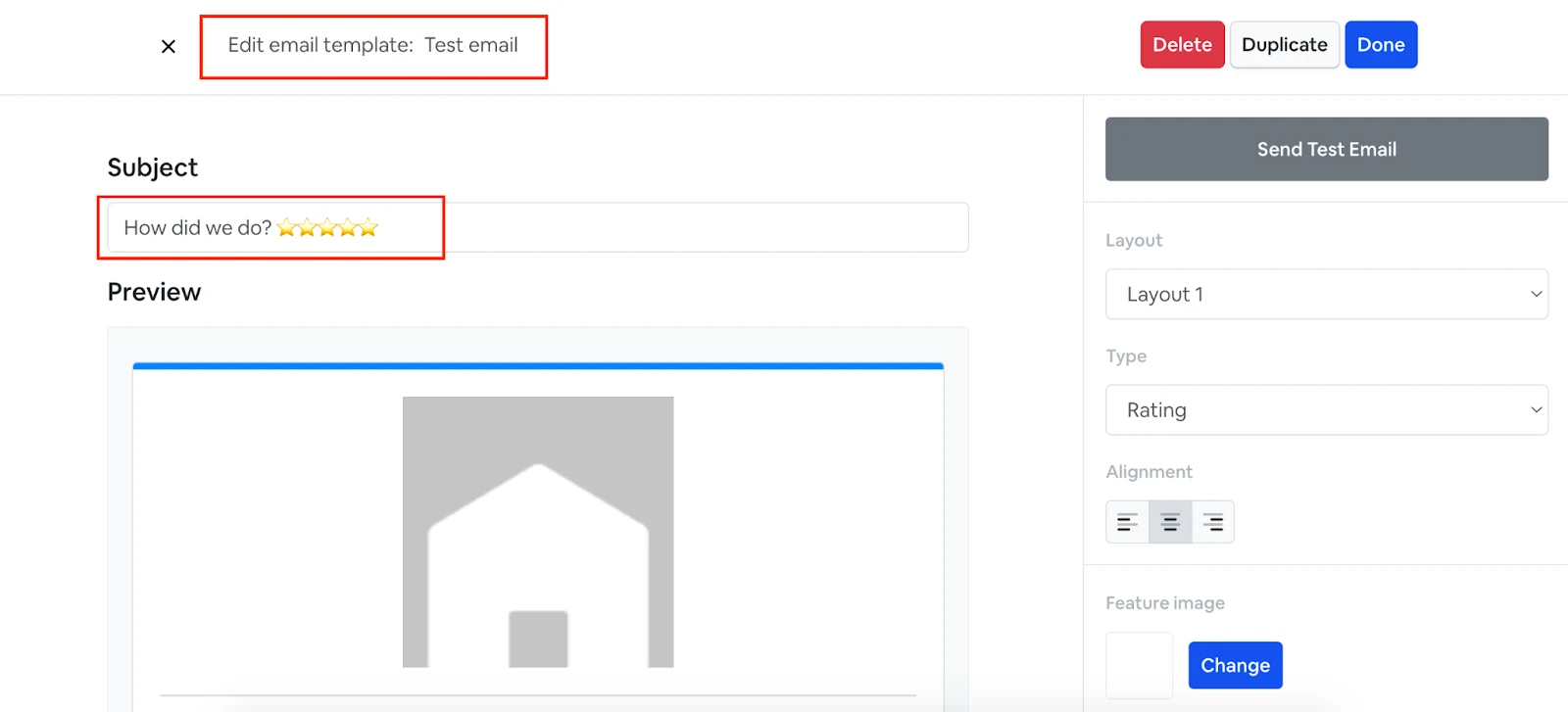
From the right side, you can customize the following:
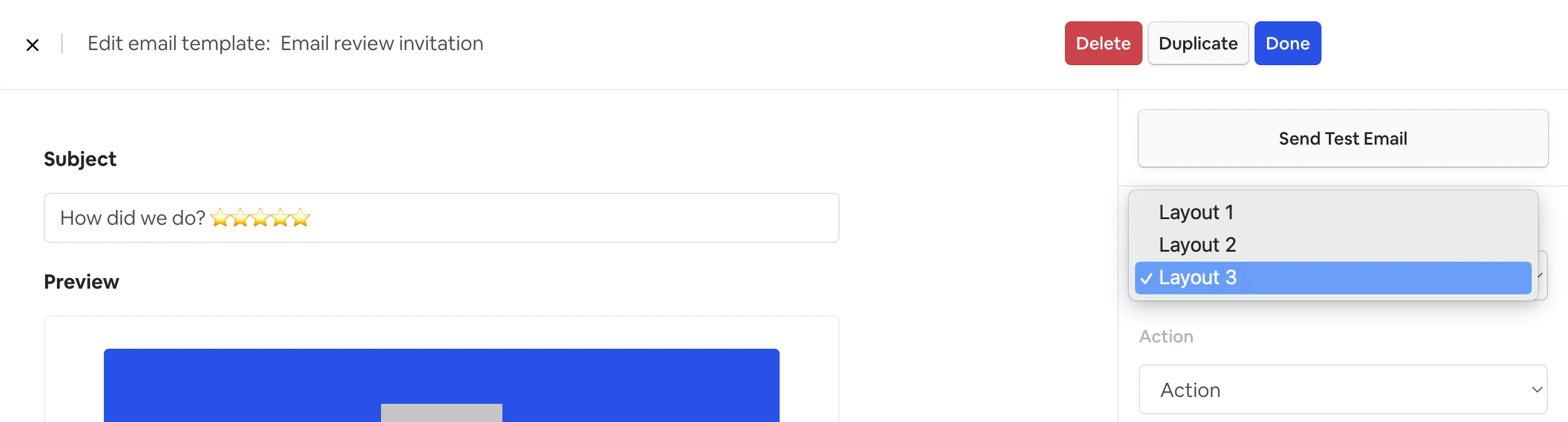
### **Select a layout.**
There are 3 layouts with different designs that you can choose from:
### **Select the type of email invitation.**
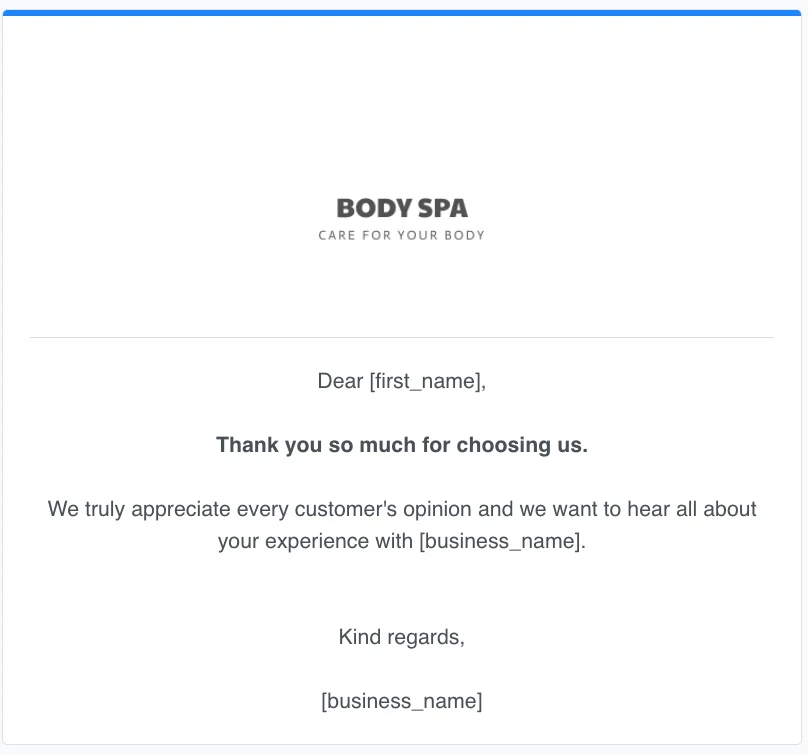
**Standard** (without a button to leave a review and star rating)**.**
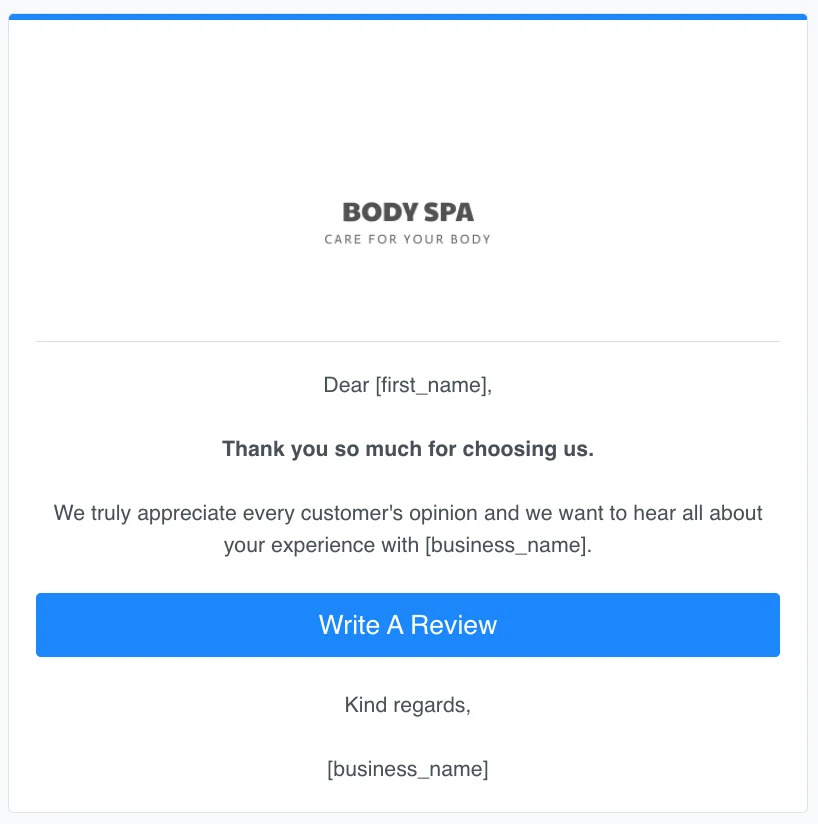
**Action** (with a button that forwards customers to leave a review).
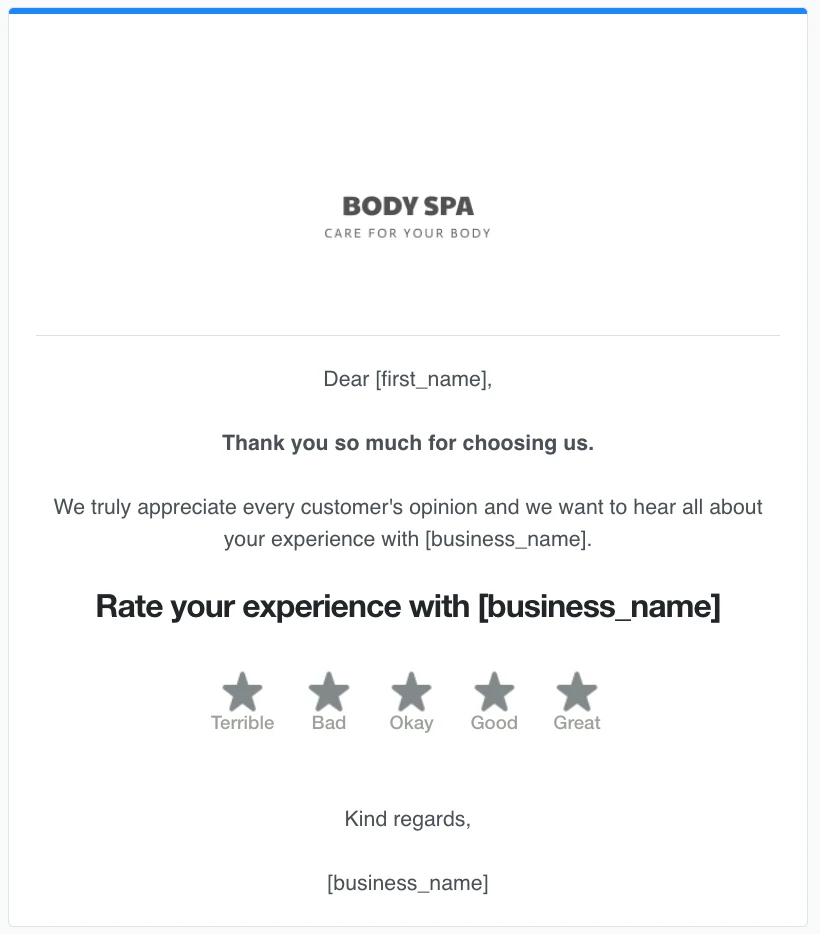
**Rating** (with a star rating scale).
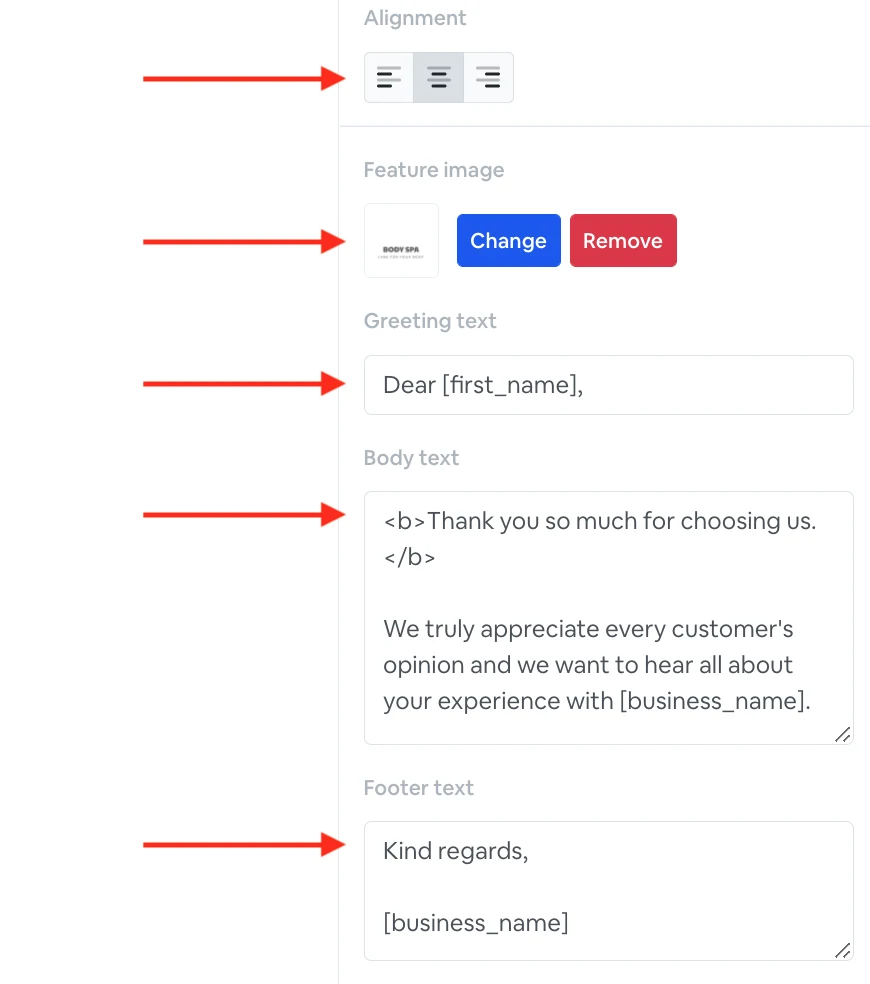
Below, you can choose the **text alignment**, add a **feature image,** and customize **email text** (greeting, body, and footer text).
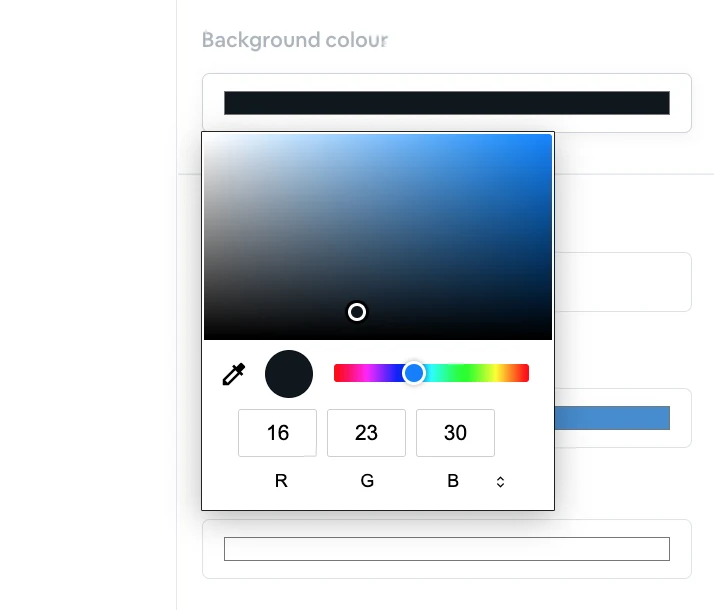
If you scroll down, you can also customize a **feature color** and a **background color.** To change color, click on it and choose the one that you need from the palette.
When your email template is ready, click **‘Done’** at the top right, you can also **Duplicate** your email template.