# Editing a contact
> Update a contact's name, phone number, email address and status.
Source: https://support.amazeful.com/contacts/managing-contacts/editing-a-contact
Documentation index: https://support.amazeful.com/llms.txt
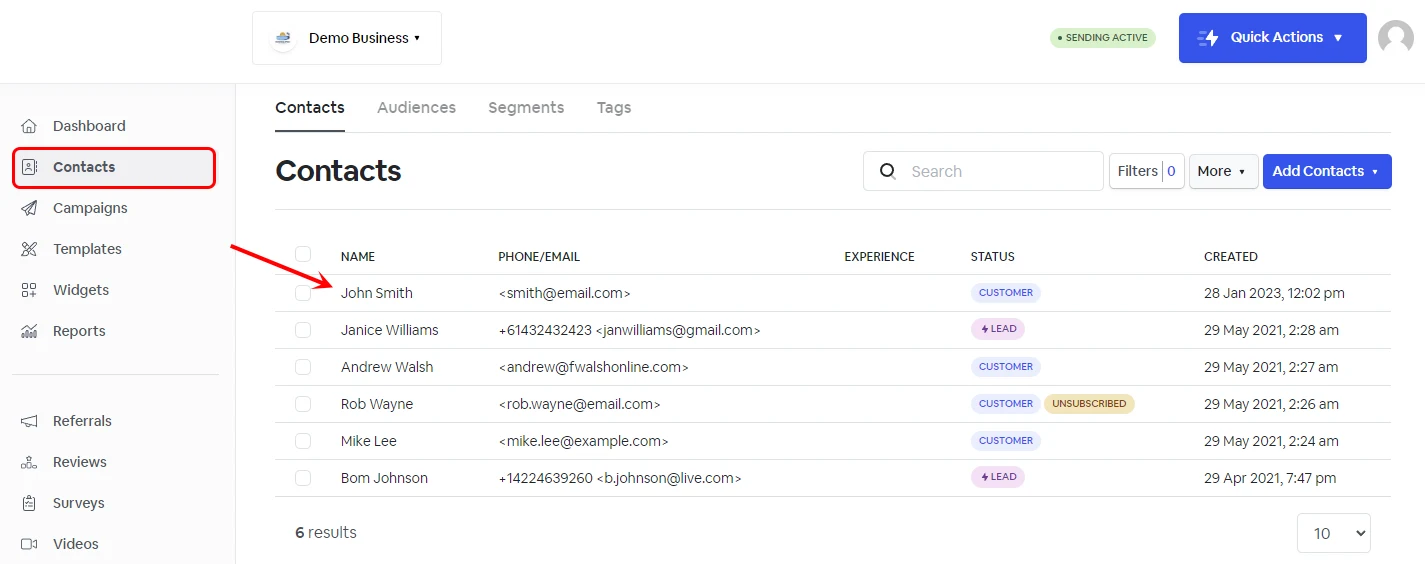
Log into your account and click on the **‘Contacts’** tab. Select the contact that you want to edit.
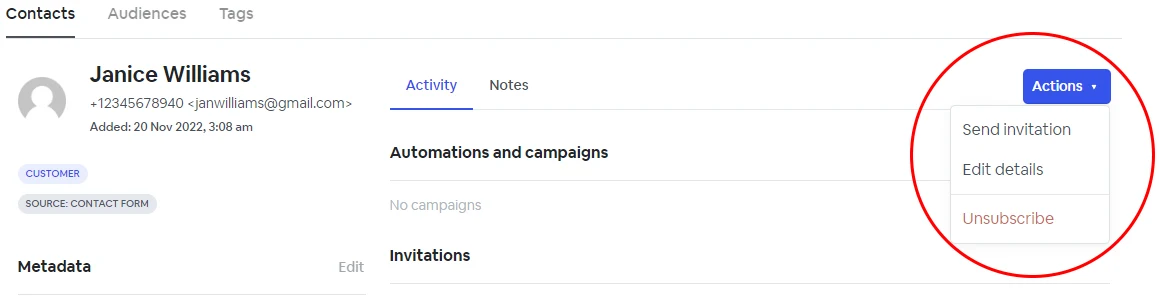
Click on the **‘Actions’** button on the right side of your screen and select **‘Edit details’**.
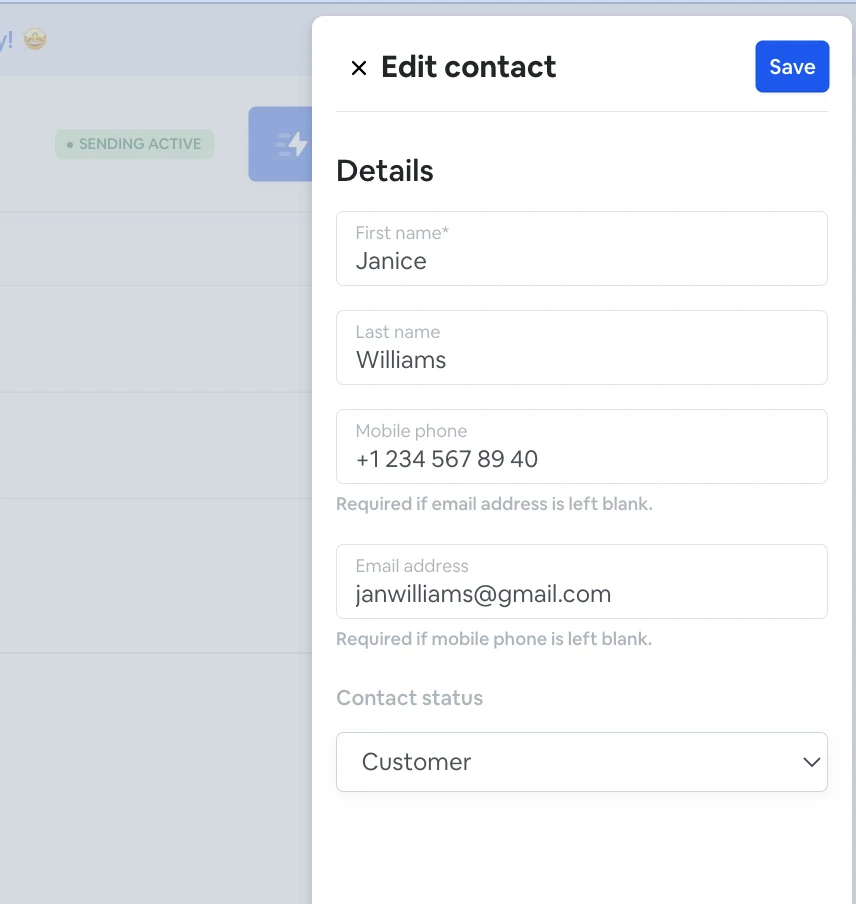
From here, you can edit contact details such as first name, last name, mobile phone, email address, and contact status.