# Understanding Inbox Notifications
> See what the inbox icons mean for unread conversations and the latest message.
Source: https://support.amazeful.com/inbox/navigating-the-inbox/understanding-inbox-notifications
Documentation index: https://support.amazeful.com/llms.txt
Inbox notifications help you keep track of which conversations are marked as opened and which conversations have been responded to by team members.
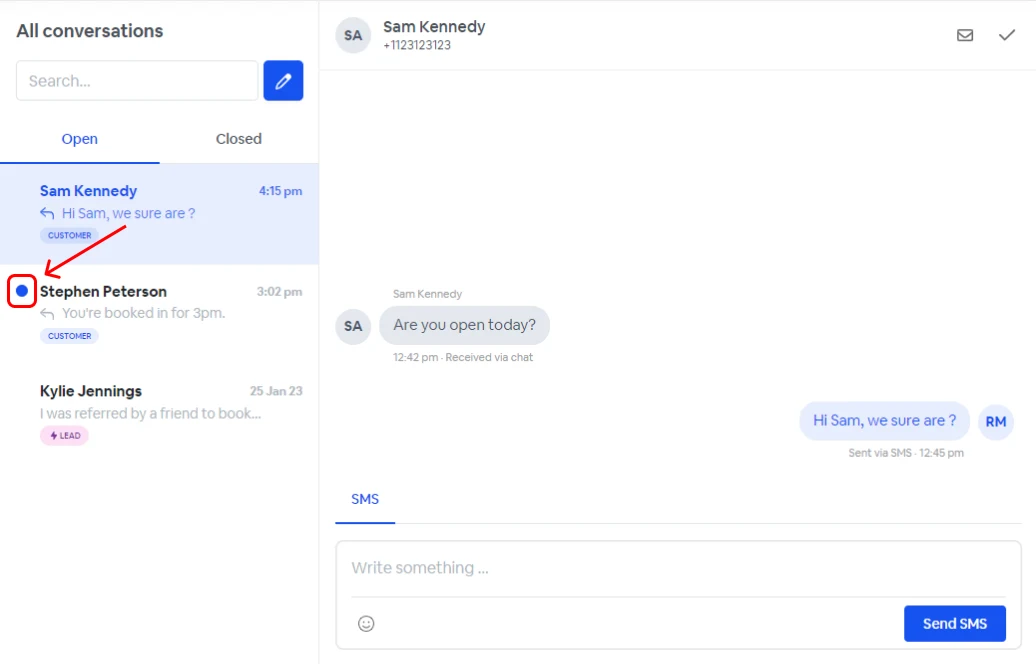
### Unread conversations
Conversations that have not been read will appear with a blue circle next to them.
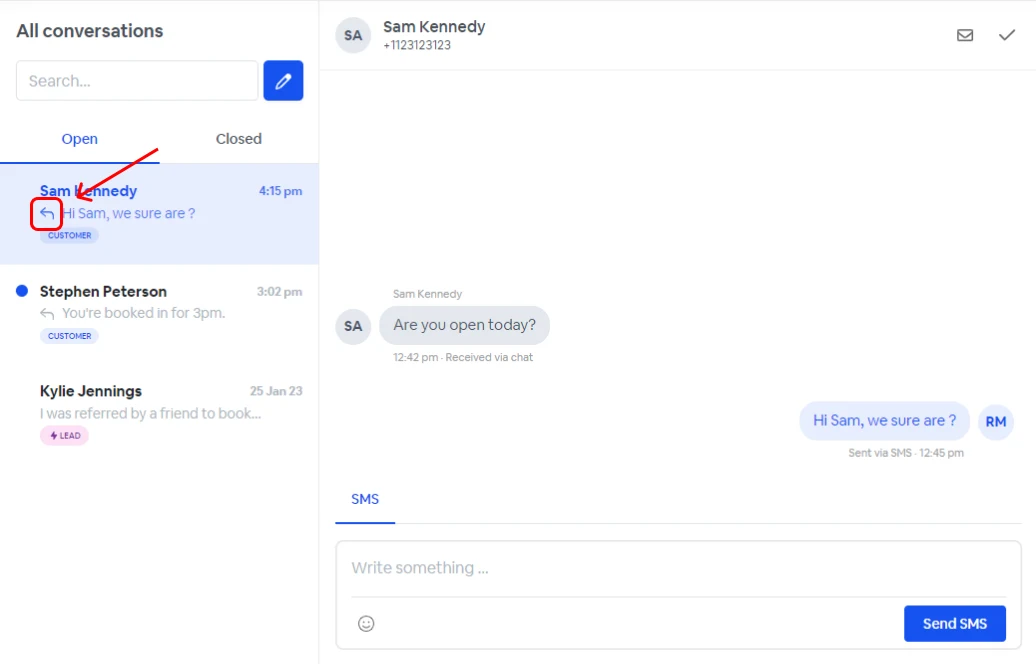
### Latest message
Conversations where the latest message was from a team member will appear with an arrow next to them. For conversations where the latest message was from a contact will not include this arrow.
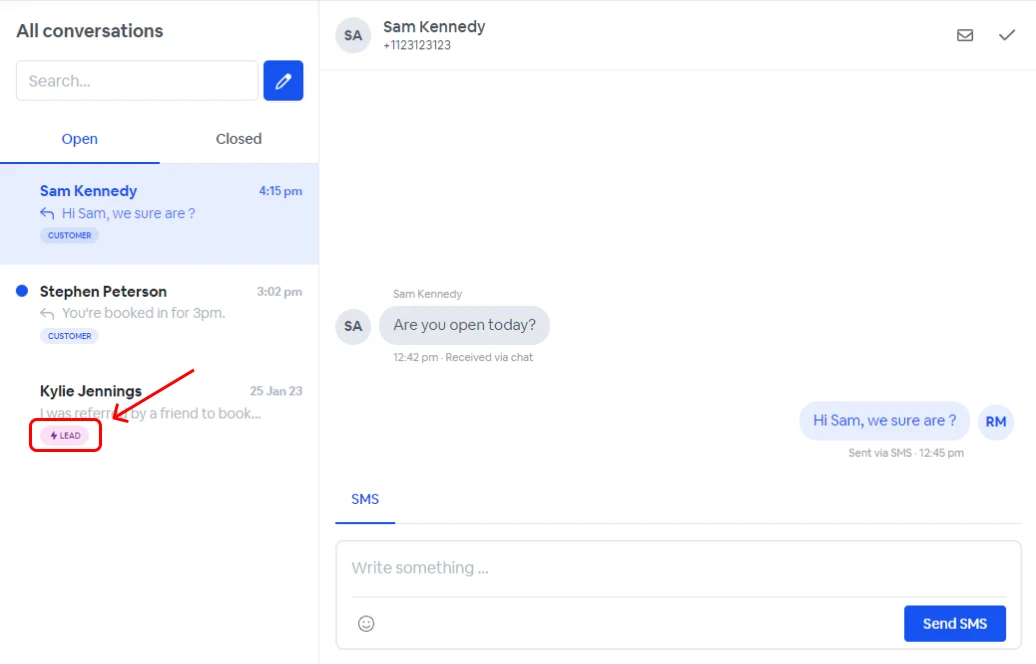
### Leads
Leads are contacts who didn't exist in your database previously and were created by a lead form, such as the web chat widget.
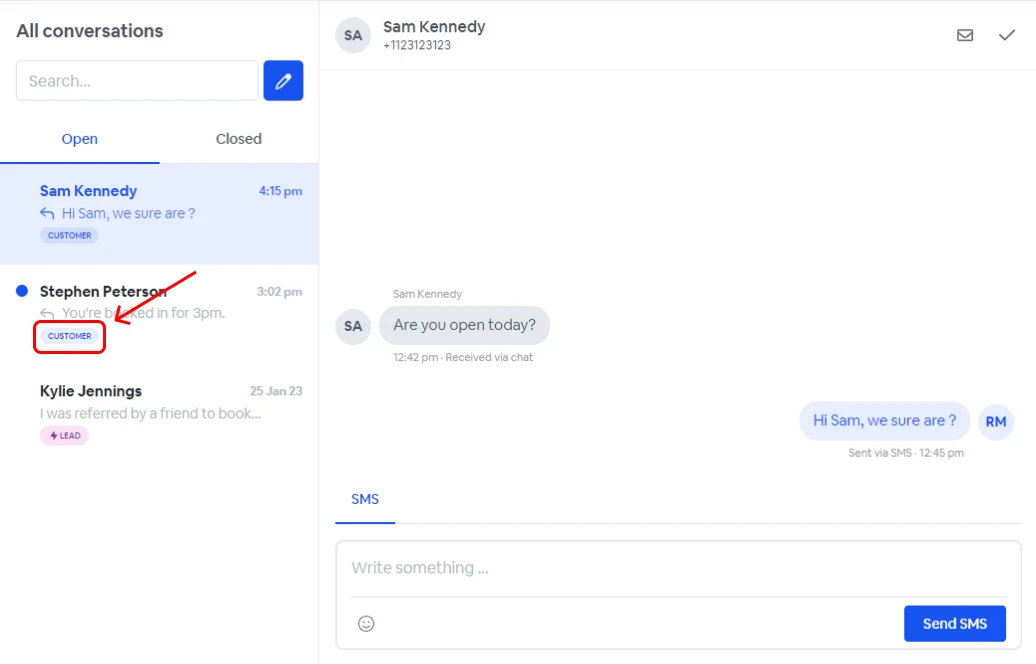
### Customers
Customers are contacts who existed in your database already.