# Review form sharing
> Share your review form with customers by direct link or QR code.
Source: https://support.amazeful.com/reviews/review-forms-overview/review-form-sharing
Documentation index: https://support.amazeful.com/llms.txt
## **Share the review form.**
There are a few ways you can share the review form with your customers.
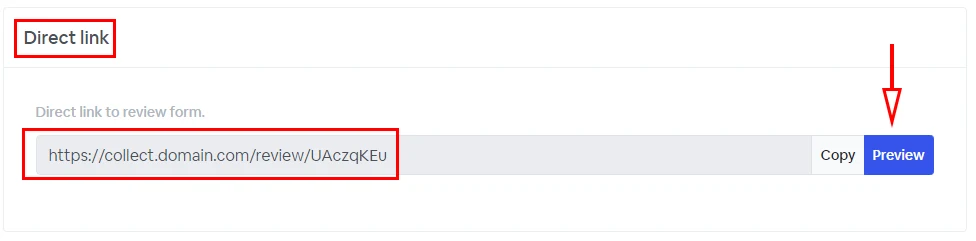
### Direct Link
This is a direct link to the review form, which you can use to preview or embed on your website or landing page.
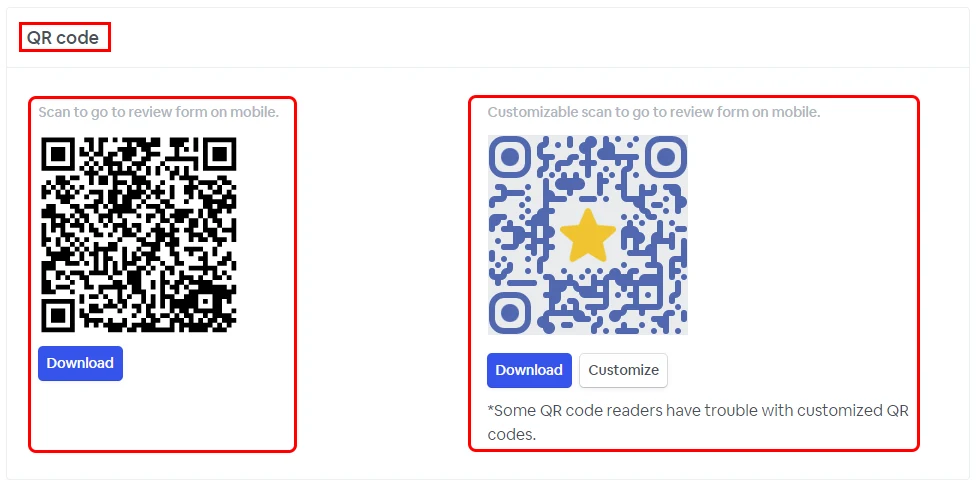
### QR Code
A unique QR code is generated for each form and can be used on your marketing campaigns or products package to request reviews by scanning the QR code. You can choose between a standard QR code or a custom one to bring extra personalization to your customer interaction.
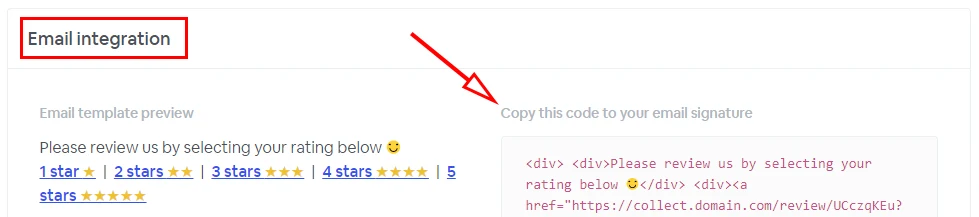
### Email Integration
Use the unique HTML code to personalize your email signature, allowing your customers to rate their experience directly for your email.
### Automations
We recommend using automation to collect reviews. Automations automate the process of sending SMS and email review requests to your contacts, saving you time and ensuring all your contacts get followed up.