# Users
> Create users, control their access to locations and understand permission levels.
Source: https://support.amazeful.com/settings-and-setup/settings/users
Documentation index: https://support.amazeful.com/llms.txt
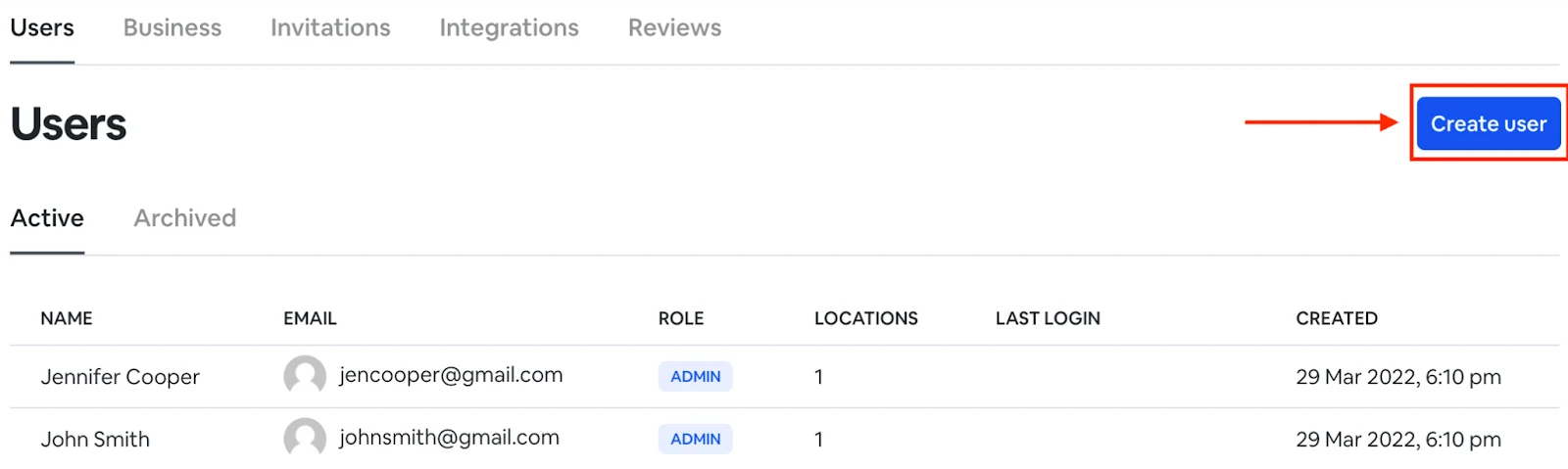
In this section, you can create new users that can access your business dashboard account.
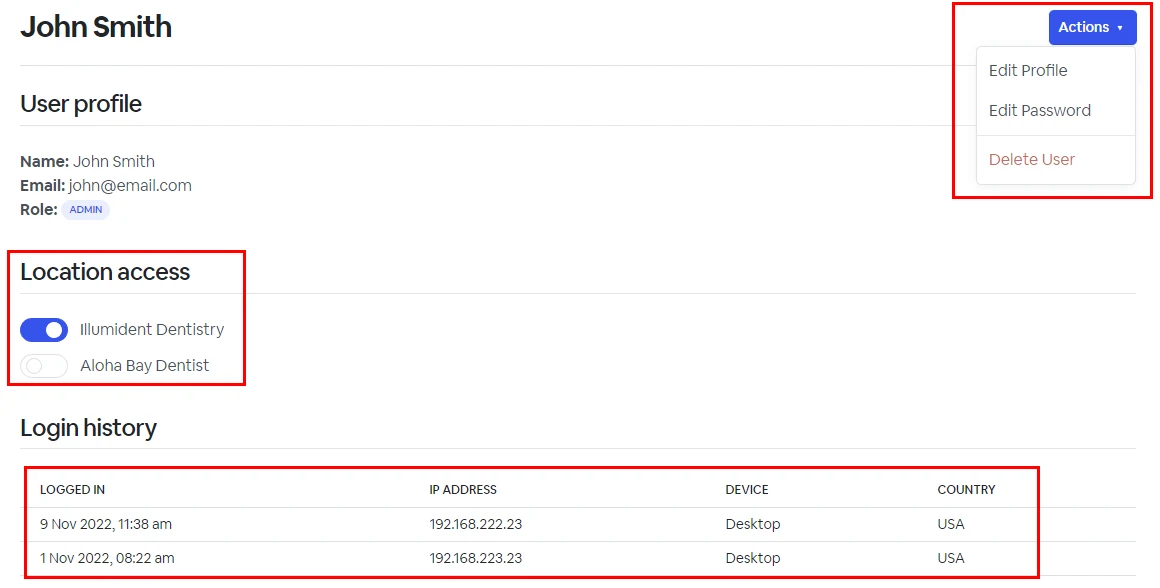
As a business owner you can limit users access to certain locations, check user login history and also update user password.
## User permissions
Level
Description
Owner
Has unrestricted access to everything. Typically the business or account owner.
Admin
Can perform all actions in approved locations, except for managing users and viewing billing.