Installing Widgets on WordPress
Add your widget embed code to a WordPress site using a plugin.
1 min readUpdated 1 year ago
Info
If you haven't created your website embed code yet, please view the setup instructions.
- Sign into your WordPress account.
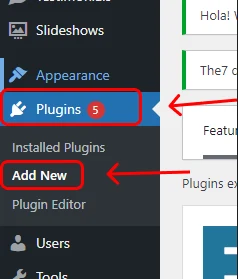
- Click Plugins on the left menu and then Add New.
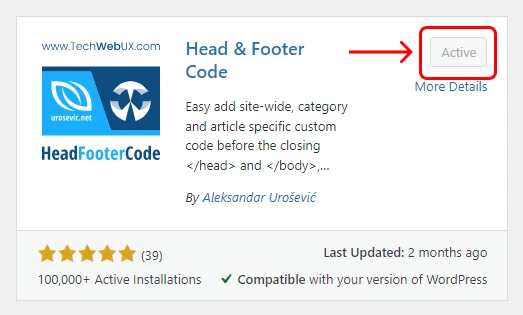
- Search for "Head & Footer Code", and click Install then Activate.

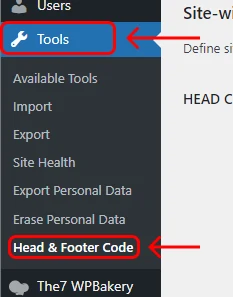
- Click Tools in the left-hand menu and then Head & Footer Code.
-
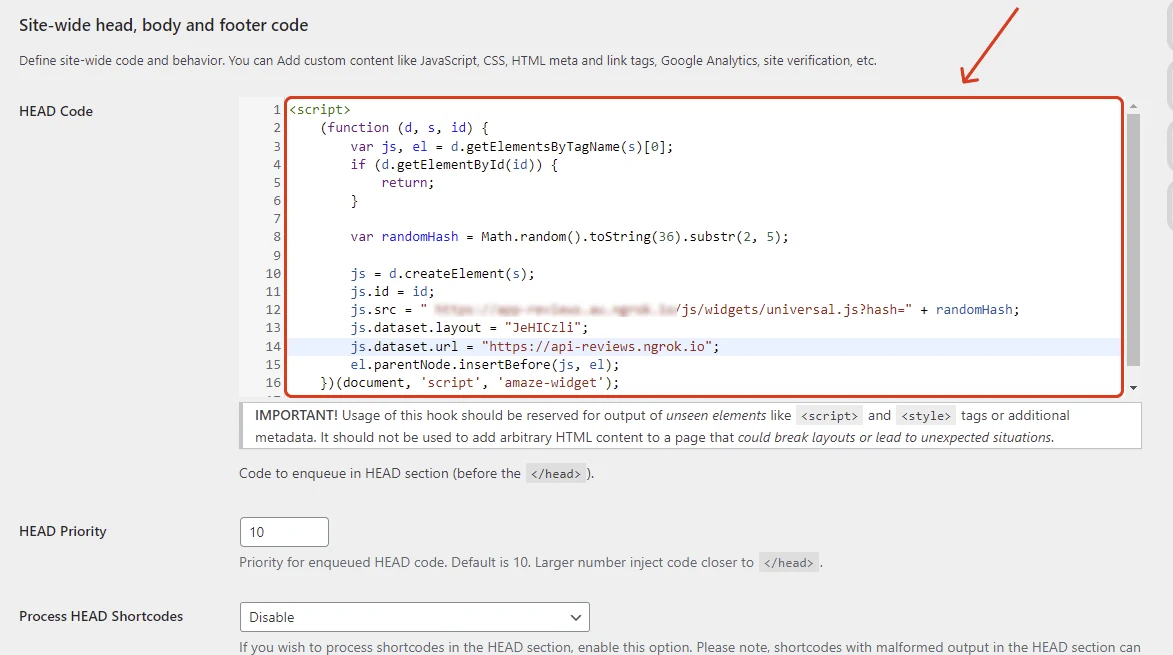
Paste your embed code into the first text field labelled "HEAD Code".
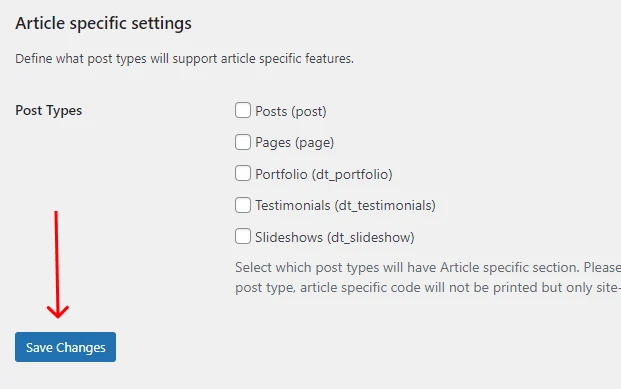
- Scroll to the bottom and click Save Changes.
You're done! If you refresh your website, you should now see your Web Chat Widget.
Info
If you want to make changes to what widgets are displayed on your website. You can do this by editing the layout in your dashboard.