Notifications
Turn account notifications on or off for each area of the platform.
1 min readUpdated 1 year ago
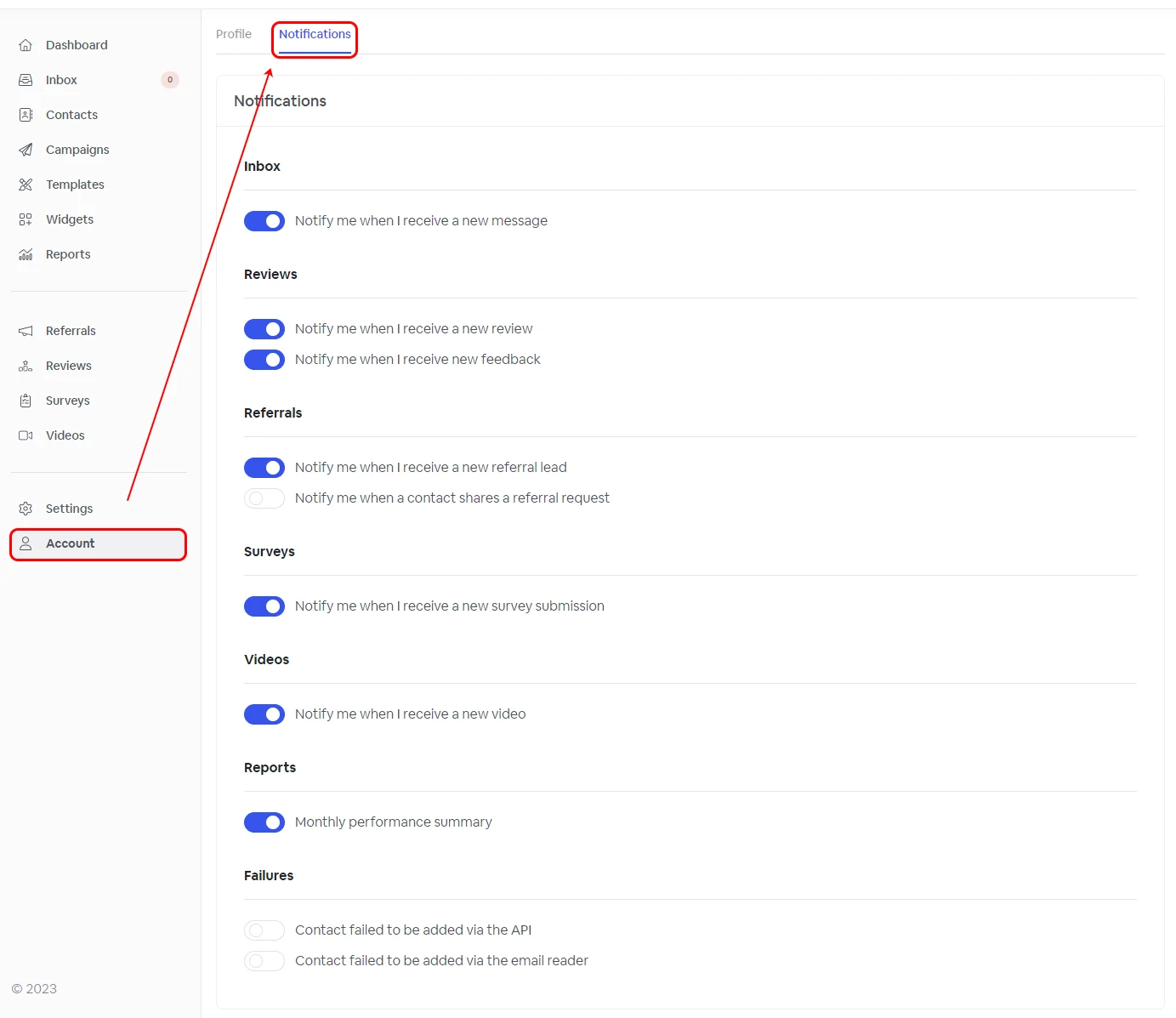
To turn account notifications on or off, you have to navigate to your notification page, Account -> Notifications.
Notifications are split into Inbox, Reviews, Referrals, Surveys, Videos, Reports, and Failures. For each section, you can configure when you want to be notified about a specific action that happened in your account.