Finding Contacts
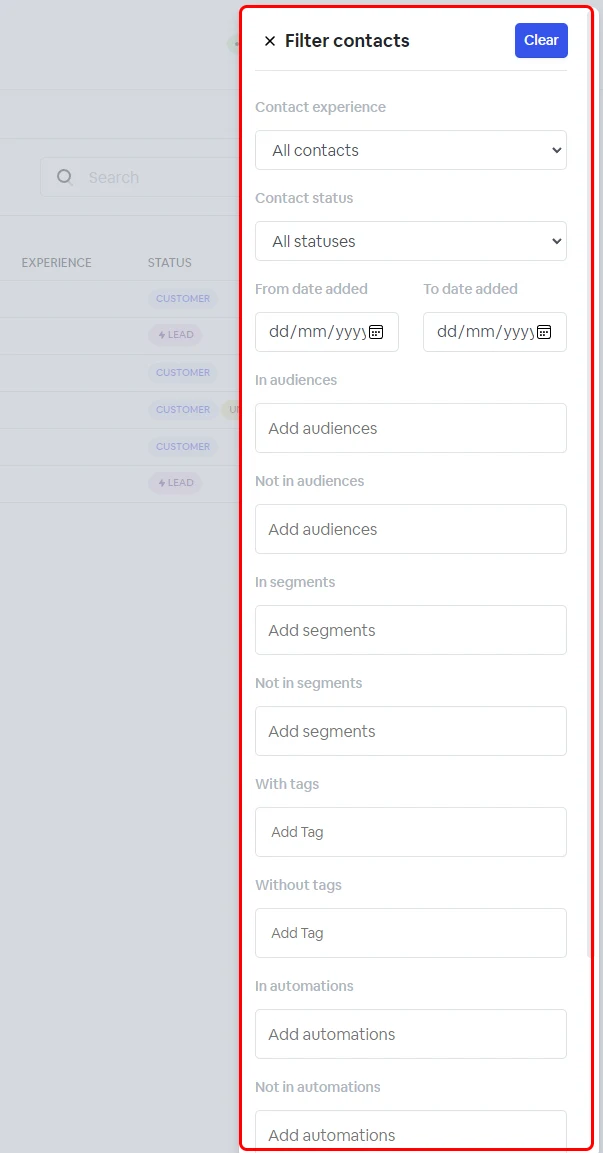
Use filters to find contacts by status, date added, audience, segment or tag.
1 min readUpdated 1 year ago
Using contacts filter to find contacts
Using filters, you can sort your contacts by:
- contact experience
- contact status
- added date
- audiences/not in audiences
- segments/not in segments
- with tags/without tags
- in automations/not in automations
- in campaigns/not in campaigns
To do this, in your ‘Contacts’ tab, click ‘Filters’.
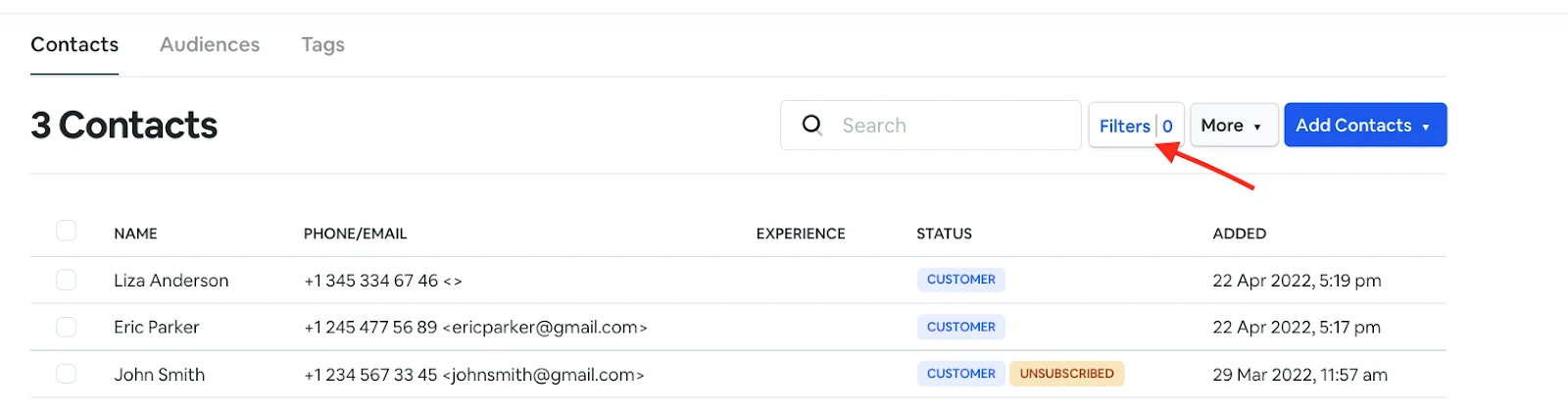
Once the contact filters are applied, the matching contacts will be displayed on the page.